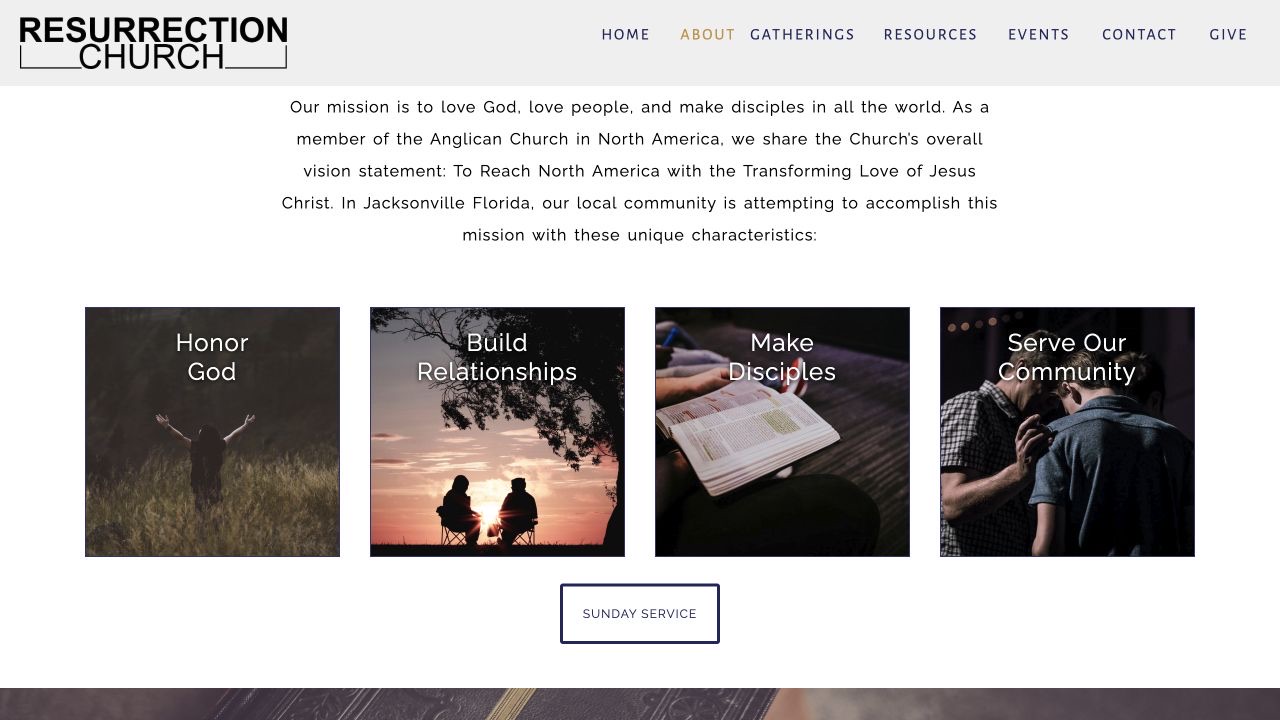
02 / Mission & community
Giving the church’s values a visual home.
The About page combines the congregation’s mission with a set of image-led values, followed by beliefs, team information, and affiliations.
Client work / Community & faith
A digital home for a Jacksonville congregation.
A custom website bringing the church’s identity, community life, and practical visitor information together in one place.
The project
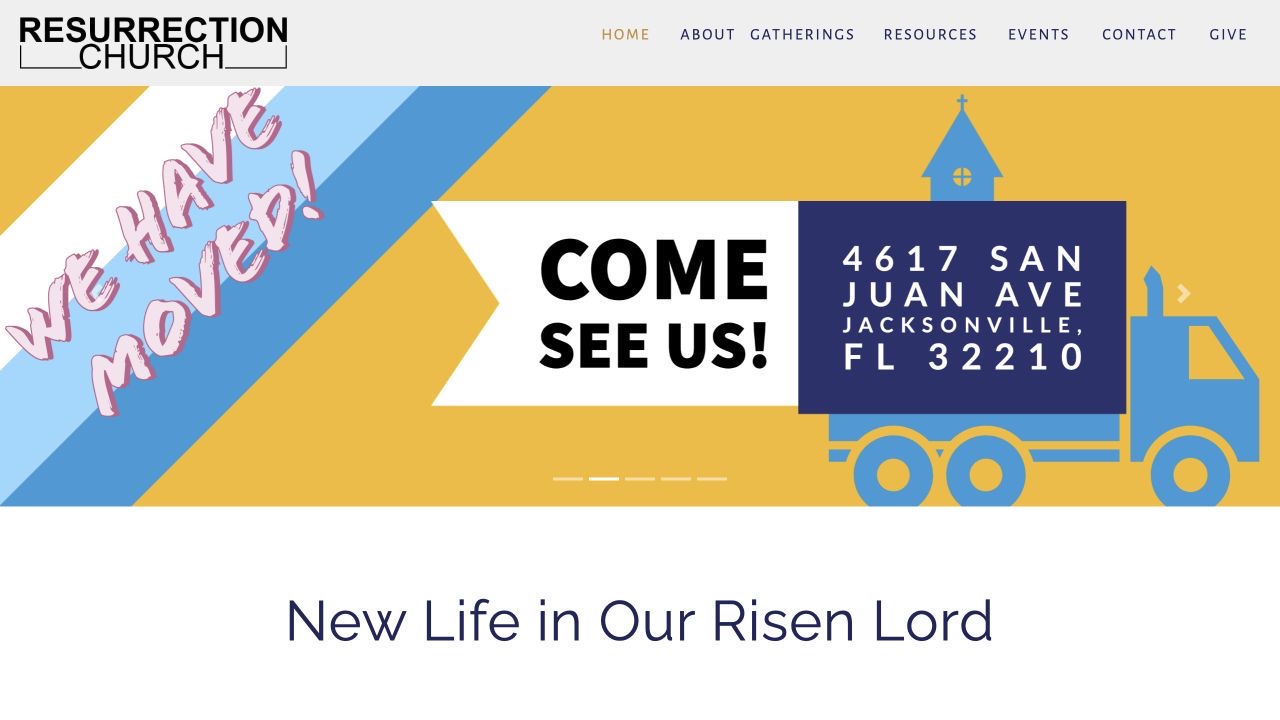
I designed and developed the website for Resurrection Church in Jacksonville, Florida. The site introduces the congregation to new visitors while organizing information about its beliefs, gatherings, events, and resources.
The design pairs large photographic sections with spacious typography and a consistent navigation system. Shared PHP components carry the header and footer across the site, while Bootstrap and JavaScript support the layout and interactive elements.
02 / Mission & community
The About page combines the congregation’s mission with a set of image-led values, followed by beliefs, team information, and affiliations.
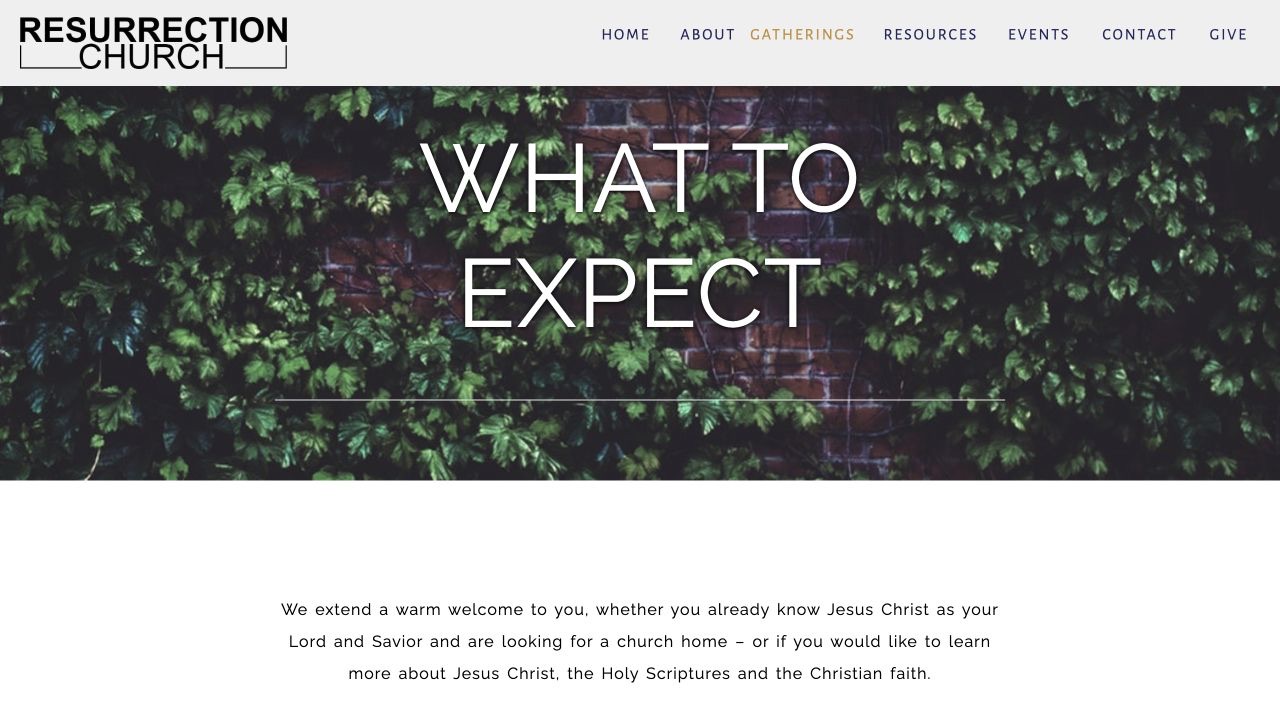
03 / Gatherings
The Gatherings page introduces what to expect and provides information about worship and prayer, helping visitors become familiar with the church before attending.
Behind the website
Beyond the page layouts, I built tools to help visitors explore the church year and listen to sermons directly on the website.
04 / Liturgical seasons
In church_calendar.php, I built a PHP season selector that reads the server’s current date and applies a series of date rules. Each matching branch sets three values: the season’s name, its visual card, and the destination section explaining that season.
$LiturgyName, $Id_2 for the card’s styling, and $Id_1 for its destination.LoadPageAndScroll() with the matching section ID.This brings the date logic and educational content together: one set of values controls both what the visitor sees and where the card takes them.
PHP · selected original logic (other branches omitted)
$CurrentDate = date("Y.m.d");

// … other season branches omitted …
else if (($CurrentDate == $iYear.'.01.06')) {
  $Id_1 = 'EpiphanySquare1';
  $Id_2 = 'EpiphanySquare2';
  $LiturgyName = 'Epiphany';
}
Archive context. This is the original conditional implementation, rather than a standalone calendar function. It uses fixed date rules; a maintained version would need year-specific movable feast calculations and corrected handling of seasons that cross the year boundary.
05 / Sermon audio library
I built a custom browsing and playback interface around the native HTML audio element in sermons.php. Recordings point to files in the site’s own assets/audio/ folders, allowing sermons to be offered without an embedded third-party audio platform.
The Recordings collection in sermons.js organizes titles, dates, and file paths by year and month. The original interface uses JavaScript and jQuery for selection and styling; the browser provides the playback controls.
getRecordings(y, m)playRecording(url, name, date)toggleYearButtons(el)HTML · native audio element from sermons.php
<audio id="audio_player" controls class="audio-controls">
  <source id="audio_source" src="" type="audio/mpeg">
  Sorry! Looks like your browser does not support this audio element.
</audio>
JavaScript · original playRecording() function
function playRecording(url, name, date){
  try{

    const audio_source = document.getElementById("audio_source");
    const audio_player = document.getElementById("audio_player");
    document.getElementById("h1_date").innerHTML = date;
    document.getElementById("h1_name").innerHTML = name;
    audio_source.setAttribute('src', url);
    audio_player.load();
    audio_player.play();
  }
  catch(e){
    alert("playRecording: " + e);
  }
}JavaScript · getRecordings() (commented-out code omitted)
function getRecordings(y, m) {
  try {

    tbody.innerHTML = '';

    for(let i = 0; i < Recordings[y].data[m].files.length; i++){
      let monthUrl = Recordings[y].data[m].folderURL;
      let trackUrl = Recordings[y].data[m].files[i].fileURL;
      let fullUrl = monthUrl+trackUrl;
      let fileName = Recordings[y].data[m].files[i].fileName;
      let fileDate = Recordings[y].data[m].files[i].fileDate;

      const tr = document.createElement('tr');
      const td = document.createElement('td');
      const link = document.createElement('a');
      link.innerHTML = '<i class="fas fa-play"></i> '+fileName;
      link.className = 'ptr';
      link.style.color = '#32256F';
      link.onclick = function(){
        playRecording(fullUrl, fileName, fileDate);
      }
      const td2 = document.createElement('td');
      td2.innerHTML = fileDate;

      td.appendChild(link);
      tr.appendChild(td);
      tr.appendChild(td2);
      tbody.appendChild(tr);

    }

  } catch (e) {
    alert("getRecordingFiles: " + e);
  }
}
These excerpts document the archived implementation. Audio files are kept out of this case study, so the showcase remains lightweight; the code is displayed for reference and does not run here.
Preserving the work
This case study documents the archived project through selected screenshots. The original application is retained separately, keeping this showcase lightweight and independent of the old site’s services.
Explore more projects